
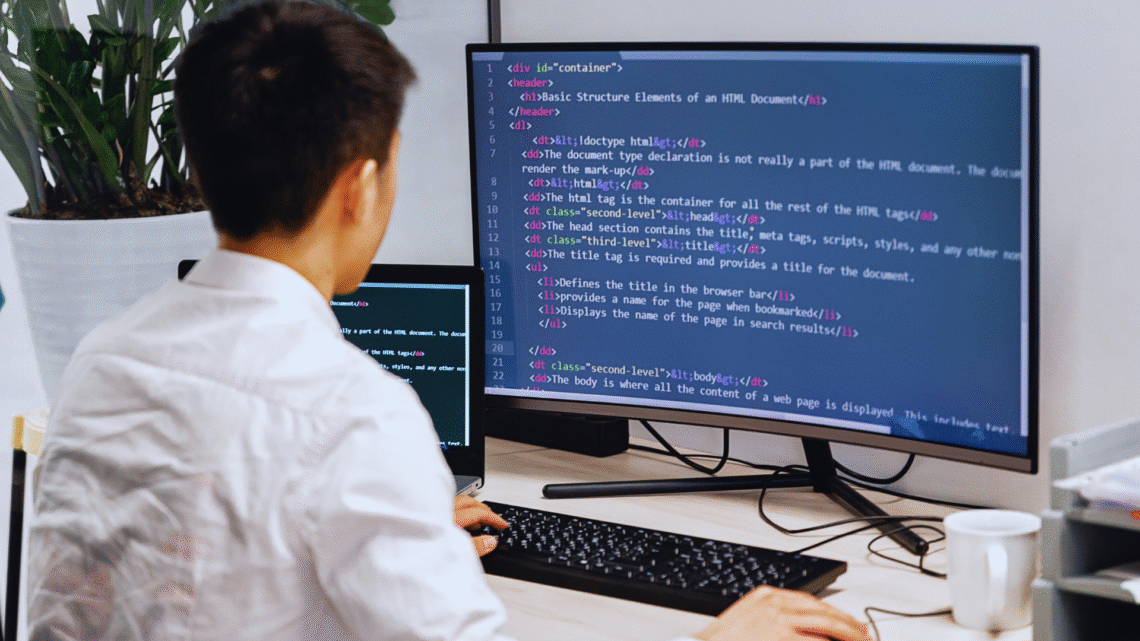
How to Fix Common Beginner Coding Mistakes: Essential Tips for New Programmers
Beginning programmers often encounter a variety of pitfalls that can hinder their learning process. These common mistakes can arise from syntax errors, logic errors, or misinterpretation of programming concepts. Addressing these issues early on is crucial for building a strong foundation in coding.
Identifying and correcting these mistakes can dramatically improve a coder’s confidence and proficiency. By understanding common errors and how to fix them, they will be more equipped to tackle increasingly complex problems. This article provides practical solutions and insights tailored for beginners in coding.
With a clear approach to navigating these challenges, new coders can enhance their skills and become more successful in their programming journey. Recognizing the typical errors and knowing how to resolve them paves the way for more efficient and enjoyable coding experiences.
Mastering the Fundamentals
Focusing on the basics of programming is crucial for building a strong foundation. Understanding key concepts like variables, loops, conditionals, and functions will significantly improve coding skills and reduce common mistakes.
Understanding Variables and Data Types
Variables store data, acting as containers for values. They can be of different data types, such as integers, strings, booleans, and arrays, in languages like JavaScript and Python.
Data Types:
- Integer: Whole numbers (e.g., 5, -1)
- String: Textual data (e.g., “hello”)
- Boolean: True or false values (e.g., true, false)
Choosing the correct data type is essential for effective programming. Misuse can lead to errors or unexpected results, particularly in languages like SQL, where data types dictate how data is processed.
Building Confidence with Loops and Conditionals
Loops and conditionals are fundamental to controlling flow in programming. Loops (e.g., for, while) repeat actions, while conditionals (if, else) make decisions based on criteria.
- Loops:
- Use loops to execute code repeatedly.
Example in JavaScript:
for (let i = 0; i < 5; i++) {
console.log(i);
}
- Conditionals:
- Direct code execution based on conditions.
Example in Python:
if age >= 18:
print(“Adult”)
Practicing these constructs through platforms like FreeCodeCamp and LeetCode enhances problem-solving skills.
Writing and Using Functions Effectively
Functions encapsulate code for reuse, improving organization and readability. They take inputs, perform actions, and return outputs.
- Function Components:
- Parameters: Inputs to the function.
- Return Statement: Outputs from the function.
Example in Python:
def add(a, b):
return a + b
Functions help avoid repetition and make code easier to manage. Mastery allows programmers to tackle more complex challenges in frameworks like React. Engaging with coding challenges on sites like HackerRank encourages functional development skills.
Avoiding Common Beginner Coding Mistakes
Many beginner coders face challenges that stem from certain habits. Recognizing and avoiding these common errors can lead to improved coding efficiency and a better understanding of programming concepts.
Copy-Pasting Code Without Understanding
One prevalent issue among beginners is the tendency to copy-paste code snippets from online sources like Stack Overflow without grasping the underlying logic. This can lead to several problems, such as integrating incompatible code or failing to debug effectively.
Instead of blindly copying code, they should take the time to read and understand each line. Reviewing documentation related to the code and experimenting with modifications can deepen comprehension. Familiarity with syntax and structure can prevent future mistakes and result in more maintainable code.
Overcomplicating Simple Solutions
Beginners often fall into the trap of overcomplicating their approaches to solving problems. They may create complex algorithms or excessive functions for tasks that can be done with straightforward solutions. For example, building a weather app with unnecessary layers of abstraction could lead to what is known as spaghetti code.
To avoid this mistake, they should strive for simplicity. Breaking a problem down into manageable parts and utilizing clear, straightforward logic can make coding easier and more efficient. It is crucial to focus on writing clean and readable code that accomplishes the task without unnecessary complexity.
Misinterpreting or Ignoring Error Messages
Error messages are essential tools for troubleshooting coding errors. Beginners may misinterpret these messages or, worse, ignore them altogether. This can lead to frustration and longer debugging sessions. Understanding what an error message indicates about the code is critical.
Taking the time to read error messages and researching their meanings can provide valuable insights. They can point to problems like syntax errors or logical flaws. Utilizing online resources, including forums and documentation, can further clarify misunderstandings, making it easier to fix mistakes and enhance coding skills.
Improving Code Readability and Organization
Enhancing readability and organization is crucial for writing maintainable code. Clear structures and conventions help others understand the code more efficiently, promoting better collaboration and reducing errors.
Choosing Clear and Consistent Variable Names
Variable names should be descriptive enough to convey the purpose they serve. For instance, instead of using generic names like x or temp, use names such as userAge or customerList. This practice clarifies the data being handled.
Consistency in naming conventions matters as well. Following a standard, such as camelCase or snake_case, can prevent confusion. Using meaningful prefixes or suffixes also aids in recognizing the scope of variables. For example, isActive implies a boolean value, while totalCount suggests an integer.
Maintaining Consistent Indentation
Consistent indentation improves readability significantly. It visually separates blocks of code, making it easier to identify loops, functions, and conditional statements. Each programming language may have its own best practices regarding indentation, such as two spaces or four spaces.
Indentation errors can lead to syntax issues or unexpected behavior. Automatic formatting tools like Prettier help maintain consistent indentation styles. Developers should configure their editors to enforce these settings. Keeping indentation uniform allows for a more streamlined code review process and easier debugging.
Following Style Guides
Adhering to style guides fosters uniformity across codebases. Style guides outline specific rules for spacing, line length, and variable naming. Examples include Google’s style guide or the Airbnb JavaScript style guide.
Utilizing these guides helps maintain collective standards within a team. Moreover, they serve as a reference for new team members. Implementing tools like ESLint and Prettier can automate compliance with style guidelines, reducing manual effort. Following these recommendations leads to cleaner, more maintainable code.
Building Good Coding Habits Early
Establishing strong coding habits from the beginning can significantly improve a developer’s workflow and reduce common mistakes. Key practices include testing code systematically, utilizing version control, and planning projects effectively.
Testing with Test Cases and Print Statements
Testing code is essential for identifying errors early in the development process. Beginners should create test cases that cover different scenarios, verifying that the code produces the expected results. This practice helps catch bugs before final deployment.
Print statements are another valuable tool for debugging. By inserting these statements, developers can monitor variable states and understand the flow of execution. This method provides immediate feedback, which is crucial when learning how the code operates.
Using Version Control with Git and GitHub
Version control is crucial for managing code changes and collaboration. Git allows developers to track revisions, revert to previous versions, and manage branching effectively.
GitHub enhances this process by providing a collaborative platform for sharing project repositories. Beginners should familiarize themselves with commands like git commit, git push, and git pull. This familiarity helps prevent mistakes and encourages best practices in teamwork and project management.
Planning with Pseudocode and Flowcharts
Effective planning can streamline coding efforts. Pseudocode is an excellent way for beginners to outline their logic before diving into syntax. It allows them to focus on the algorithm without getting bogged down by code specifics.
Flowcharts serve a similar purpose, visually representing the logic flow of algorithms. By mapping out decisions and processes visually, developers gain clarity on their code’s structure. This advanced planning helps to minimize mistakes and ensure a smoother coding experience.


You May Also Like

Computer Use In Kids And Teens: Is It A Good Or Bad Thing

The Importance of Cyber Security With Business Transactions
