

The Science of User Experience in Web Design: Principles for Creating Engaging Interfaces
User experience (UX) plays a crucial role in effective web design, influencing how visitors interact with a website. The science of user experience in web design integrates psychology, research, and usability principles to create engaging and intuitive interfaces. By focusing on user needs and behaviors, designers can enhance satisfaction and improve overall site performance.
Understanding user experience involves analyzing how users navigate a website and ensuring that their journey is seamless. Attention to elements such as layout, color, and typography can significantly impact how users perceive and react to a site. Effective web design not only attracts users but also retains them, making UX an essential consideration for any digital platform.
As technology evolves, so do the expectations of users. Designers must stay informed about trends and advancements in user experience to create websites that are not only functional but also enjoyable to use. Engaging users in meaningful ways leads to higher conversion rates and fosters loyalty, highlighting the importance of informed, research-driven design decisions. As a result, businesses often look to Charlotte web design companies and similar service providers that can translate these UX principles into practical, high-performing digital experiences.
Foundations of User Experience in Web Design
Effective user experience in web design rests on several critical principles. These principles encompass design fundamentals, the organization of information, and the fulfillment of user expectations. Each element plays a vital role in creating interfaces that are not only functional but also enjoyable.
Core Design Principles
Core design principles are essential in the creation of user interfaces. These principles guide designers in crafting intuitive experiences that enhance usability. Key design principles include:
- Consistency: This ensures that elements function similarly across the interface, reducing user learning time.
- Visual Hierarchy: Establishing a clear hierarchy helps users navigate content by using size, color, and spacing to highlight important information.
- Accessibility: Ensuring that all users, including those with disabilities, can navigate and interact with the site effectively is crucial.
Incorporating a minimalist design approach can also streamline experiences. This method focuses on removing unnecessary elements, thus directing user attention to essential content. Effective use of white space further enhances clarity, allowing users to engage without visual clutter.
Role of Information Architecture
Information architecture (IA) structures content in a way that is logical and user-friendly. It involves organizing, labeling, and categorizing information so that users can find what they need easily. Good IA reduces cognitive load and enhances navigation by making it clear how pieces of information relate.
Key aspects of effective IA include:
- Site Maps: Creating comprehensive site maps allows users to understand the overall structure.
- Navigation Design: Intuitive navigation menus facilitate seamless movement through the site. Dropdowns, sidebars, and breadcrumbs can be effective tools.
- Content Labels: Clear labeling of sections and links helps users anticipate what they will find, supporting a smoother journey through the interface.
Implementing structured IA not only improves usability but also aligns information with user intent, increasing satisfaction and retention.
Meeting User Expectations
Meeting user expectations is crucial for designers aiming to create a positive user experience. Users develop certain expectations based on their previous interactions with websites and applications.
Significant factors include:
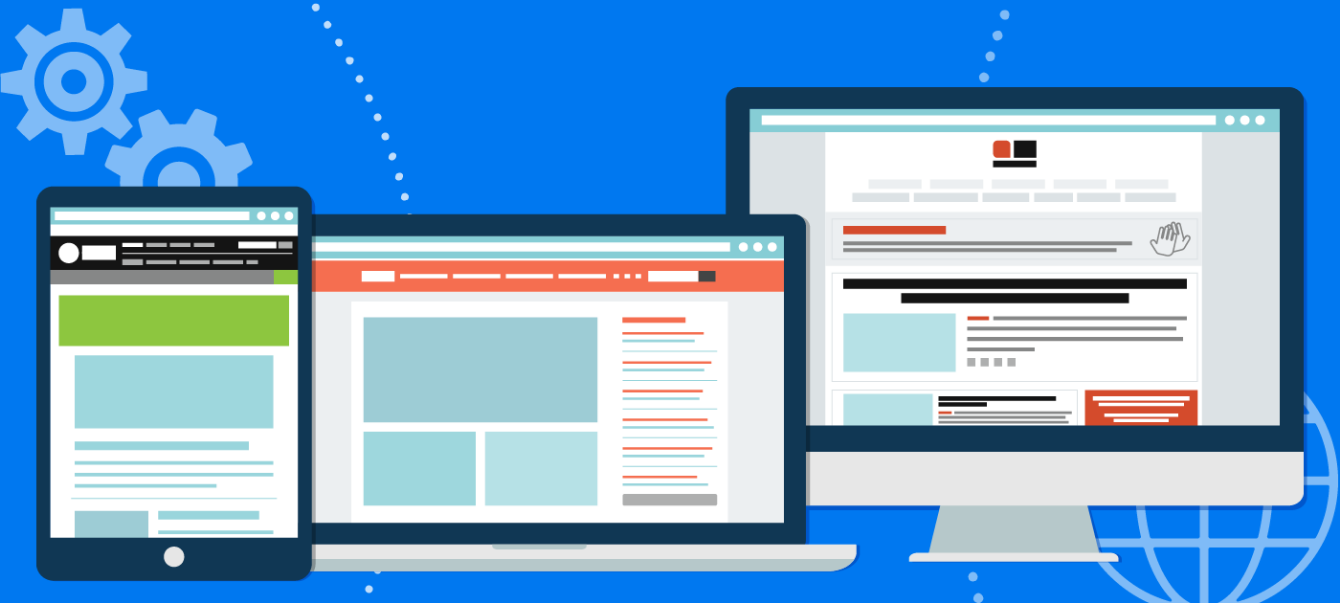
- Responsive Design: Users expect sites to perform well on various devices. Responsive design ensures compatibility and usability across platforms.
- Fast Loading Times: Users are likely to abandon sites that load slowly. Optimizing images, scripts, and server performance can help achieve this.
- Intuitive Interactions: Users are accustomed to specific behaviors, such as clicking on images for enlargement. Aligning with these behaviors promotes ease of use.
By understanding and addressing user expectations, designers can create experiences that resonate with users, ultimately driving engagement and loyalty.
User Research and Testing Methods
User research and testing are critical components in UX design that help identify user needs and behaviors. These processes guide designers in creating effective web experiences. Various methods exist to gather insights into user preferences and habits, enhancing the overall design quality.
Conducting User Research
User research involves various techniques to understand users better. Methods can include surveys, interviews, and focus groups. Surveys offer quantitative data, useful for measuring trends, while interviews provide qualitative insights into user motivations and pain points.
Focus groups facilitate discussions among users, revealing collective attitudes. It’s essential to target diverse user segments to gather comprehensive insights. Additionally, remote user testing tools enable observation of users interacting with a product in their environment. This research informs design choices and addresses real user needs.
Prototyping and Iterative Process
Prototyping is a fundamental step in the design process, allowing concepts to be visualized and tested. Low-fidelity prototypes, such as wireframes or paper sketches, enable quick feedback on ideas. As designs evolve, high-fidelity prototypes can be developed to simulate the final product experience.
To bridge the gap between on-screen mockups and real-world use, designers often turn to tangible prototypes that validate ergonomics, assembly and material behaviour. For teams that need rapid, low-volume parts to test form and function, partnering with specialists in physical prototyping and short-run manufacture can speed iterations—one such resource is arrk us, which provides 3D printing, urethane casting, CNC machining and tooling to support hands-on evaluation. Combining tactile parts with high-fidelity digital prototypes helps reveal issues that purely digital tests may miss. This integrated approach shortens development cycles and yields more actionable user feedback.
The iterative process ensures continual refinement based on user feedback. After each testing phase, adjustments are made to the prototype before retesting. This method leads to increased usability and improved overall user experience. Persistent iterations help designers clarify requirements and discover potential issues early.
Effective User Testing Strategies
User testing is essential for evaluating the usability of a web design. Various strategies can enhance the effectiveness of these tests. Defining clear objectives is crucial to assess whether users can complete specific tasks successfully.
A/B testing allows comparison of two design variations to determine which performs better. This data-driven approach minimizes subjective bias. While conducting user testing, it’s vital to create a comfortable environment for participants to ensure authentic feedback. Moreover, documenting observations during tests aids in pinpointing usability issues that might require fixing.
Optimizing Interface and Visual Elements
Effective optimization of the interface and visual elements enhances user experience. Focusing on visual hierarchy, typography, navigation, and accessibility ensures a seamless interaction with web content.
Crafting a Cohesive Visual Hierarchy
Creating a clear visual hierarchy helps users navigate content effortlessly. This can be accomplished through the strategic use of size, color, and spacing. For instance, headings should stand out prominently compared to body text.
Utilizing varying font weights can also guide users’ attention. Most importantly, employing white space effectively can prevent clutter, making components easier to digest. The goal is to lead users naturally through the content, facilitating comprehension and engagement.
Typography and Readability
Typography plays a crucial role in user experience. Selecting legible fonts in appropriate sizes increases readability. Sans-serif fonts are often favored for digital interfaces due to their clarity.
Maintaining a consistent type scale across headings, subheadings, and body text enhances visual flow. Limit the number of typefaces to two or three to avoid distraction. Additionally, consider line length and spacing; optimal settings help users consume content without strain.
Navigation Design for Seamless Experience
Intuitive navigation is vital for a seamless user experience. Users should find menus and buttons easily, allowing them to locate desired information quickly.
Implementing dropdown menus can organize content efficiently while ensuring access to various sections. Sticky navigation bars keep critical links available as users scroll, reducing frustration and improving usability. These navigation patterns are commonly supported in Squarespace web design, where built-in tools make it easier to create clear menus and descriptive labels that help users understand and interact with a site more intuitively.
Many brands now look for specialized help to manage their online stores. These companies often focus on specific platforms to get the best results. A team with deep technical knowledge can help a business grow its sales through better design and data.
One can read more About Pacific IQ, or similar enterprises, and how they work with clients on these goals. They use a mix of design and growth strategy to build better websites. This type of partnership is a way for a brand to stay competitive in a busy market.
Enhancing Accessibility and Dark Mode
Accessibility ensures that web interfaces cater to all users, including those with disabilities. Incorporating alt text for images and clearly labeled form fields enhances usability for screen readers.
Providing adequate contrast between text and background is essential for readability. Dark mode is now a standard feature in many applications, reducing eye strain and conserving battery life. Offering this option allows users to select their preferred viewing mode, which supports personalization and accessibility.


You May Also Like
Static vs Dynamic Websites

How to Break Down a Programming Problem Step by Step: A Structured Approach to Effective Problem Solving
